Eisenhower Matrix Template
Sort your tasks by urgency and importance in seconds. Open this Eisenhower matrix template, drop in your to-dos, and export a clean, editable PowerPoint slide.
Open this template → or start from scratch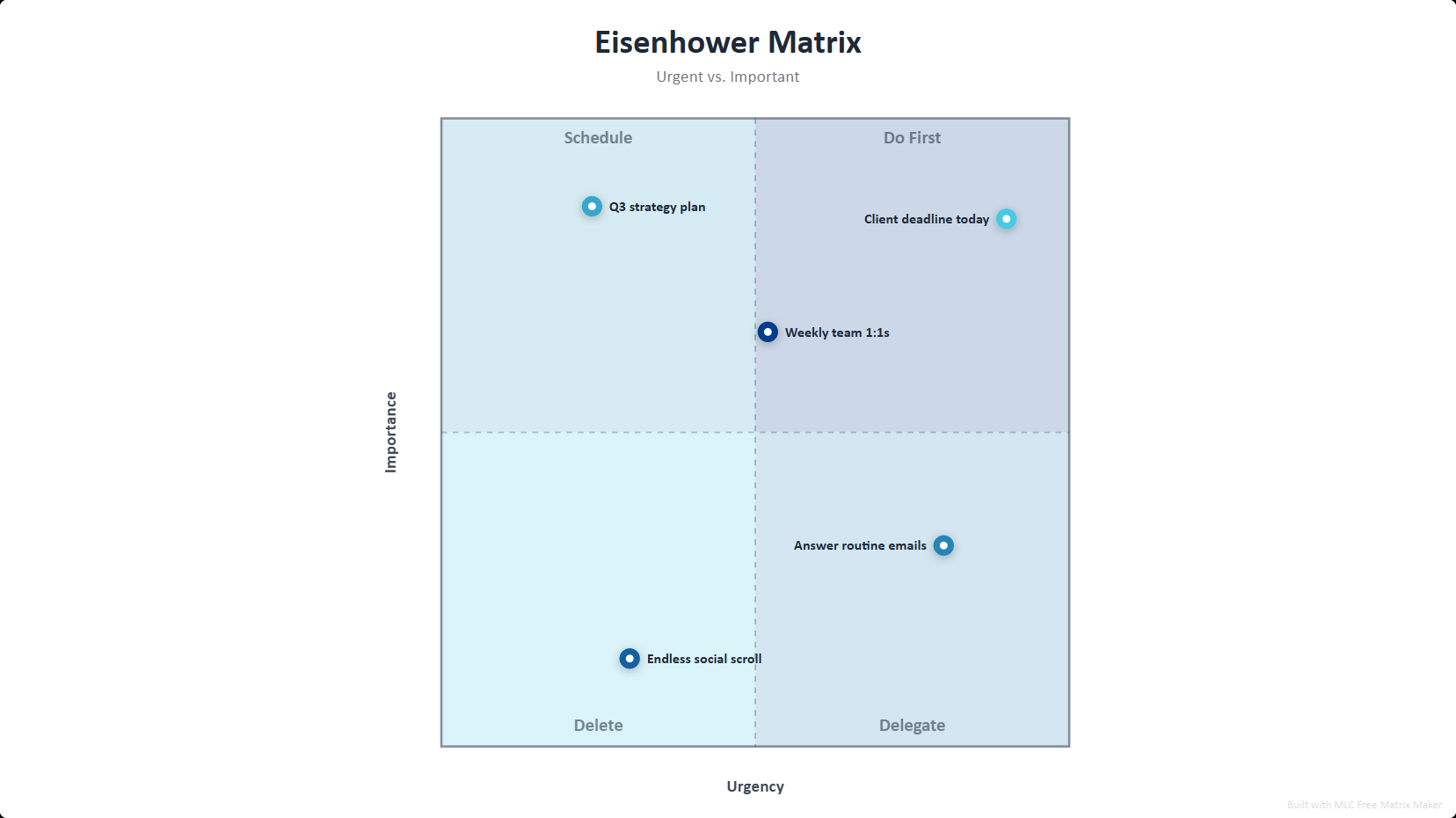
What is a Eisenhower matrix?
The Eisenhower matrix (also called the urgent-important matrix or time-management matrix) splits work into four quadrants by two axes: urgency and importance. High-importance/high-urgency tasks go in Do First; high-importance/low-urgency in Schedule; low-importance/high-urgency in Delegate; and low-importance/low-urgency in Delete. It is the fastest way to decide what actually deserves your time.
How to use this template
Open the template
Click the button above — the Eisenhower matrix opens in the editor, already filled in. No signup.
Edit your data
Replace the sample entries with your own; the chart updates live as you type.
Style it
Pick a visual style and color palette to match your deck.
Export to PowerPoint
Download a .pptx with native, editable shapes — or PNG and Excel.
Ready in two minutes
Open the eisenhower matrix template, drop in your data, and export a native, editable PowerPoint slide — free, no signup, no watermark.
Open this template →Why export to PowerPoint matters
Most free chart tools give you a flat PNG, or lock PowerPoint export behind a paywall. This template exports real, editable PowerPoint shapes and text — so you can drop the chart straight into your deck and restyle it in PowerPoint, Google Slides or Keynote. That is the difference between a picture and a slide.
Frequently asked questions
Do First (important and urgent), Schedule (important, not urgent), Delegate (urgent, not important) and Delete (neither). This template labels them automatically.
Yes. Every quadrant, axis and task dot exports as a native, editable PowerPoint shape you can restyle directly in your deck. PNG and Excel export are also included.
Yes, 100% free. No signup, no watermark. Open it, add your tasks, export.