Free presentation tools by MLC
Free PowerPoint resources for better business presentations
Search, preview and download presentation-ready images, vector icons, illustrations, editable PowerPoint templates, brand logos, flags, maps and original MLC business frameworks.
Explore the MLC Resources PortalOne portal, every slide-building need
Find the right visual faster
Stop jumping between generic stock libraries. The MLC Presentation Resources Portal brings together the assets business professionals use most often and keeps specialist filters, formats and sources within reach.
Images
Business-ready photography for covers, concepts, people, industries and executive storytelling.
Explore images ◇Vector icons
Search hundreds of thousands of scalable icons and recolour them before copying or downloading.
Explore icons ✎Illustrations
Consistent illustration families for teamwork, technology, strategy, change and corporate communication.
Explore illustrations ▤PowerPoint templates
Editable slides for timelines, agendas, SWOT analyses, funnels, comparisons and executive summaries.
Explore templates ◎Brand logos
Find scalable corporate and technology logos with source and trademark guidance kept visible.
Explore logos ⚑Flags
Clean vector flags for international market, geography and country-comparison slides.
Explore flags ✦Vector maps
Recognisable world, regional and country maps with clear labels and presentation-friendly previews.
Explore maps MLCBusiness diagrams
Original MLC frameworks, canvases and checklists for strategy, AI fluency and executive communication.
Explore MLC resources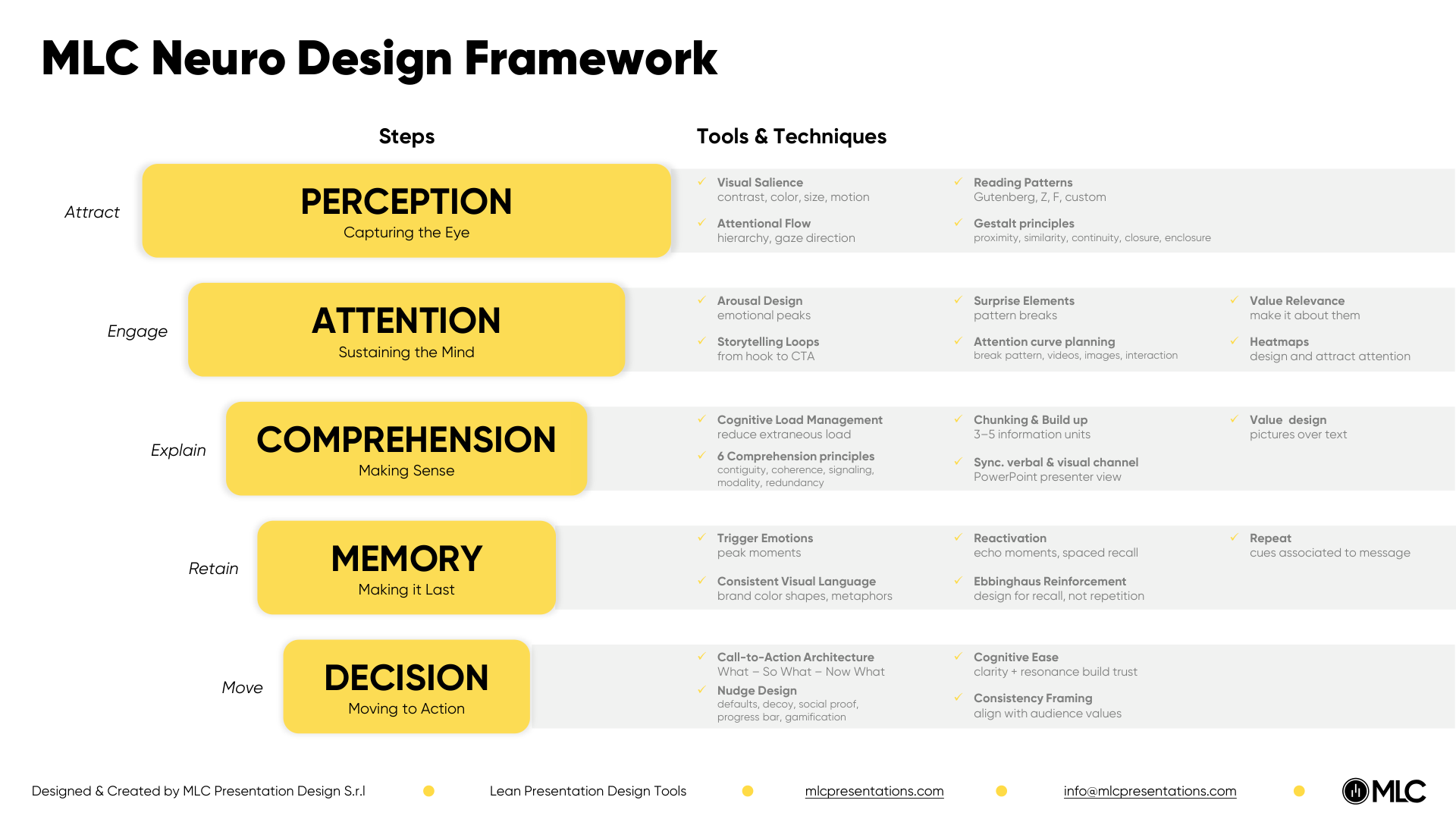
Beyond stock assets
Original thinking by MLC
Some slides need more than decoration. MLC Business Diagrams turn presentation strategy, cognitive design and AI fluency into practical working frameworks you can use before opening PowerPoint or during a team workshop.
- Original MLC methodologies, not repackaged stock content
- Frameworks, canvases and checklists with clear use cases
- Resources designed around real corporate presentation challenges
Resources for every slide
Find the right starting point for your presentation
The portal is built around practical needs: clarify a slide, make data easier to read or build a story faster.
PowerPoint slide design
Start with hierarchy, contrast and space, then choose a consistent template or asset for your deck.
Business PowerPoint templates
See how a presentation system accelerates team work and use editable slides to build your next deck.
Data storytelling
For charts, comparisons and complex numbers, combine diagrams and icons with a narrative that supports decisions.
Images and visuals for PowerPoint
Find business-ready images, illustrations and icons in reusable formats for your next presentation.
Interactive tools
Build visuals directly in your browser
Static assets are only part of the toolkit. Use MLC browser applications when you need to analyse a presentation or generate an editable business chart.
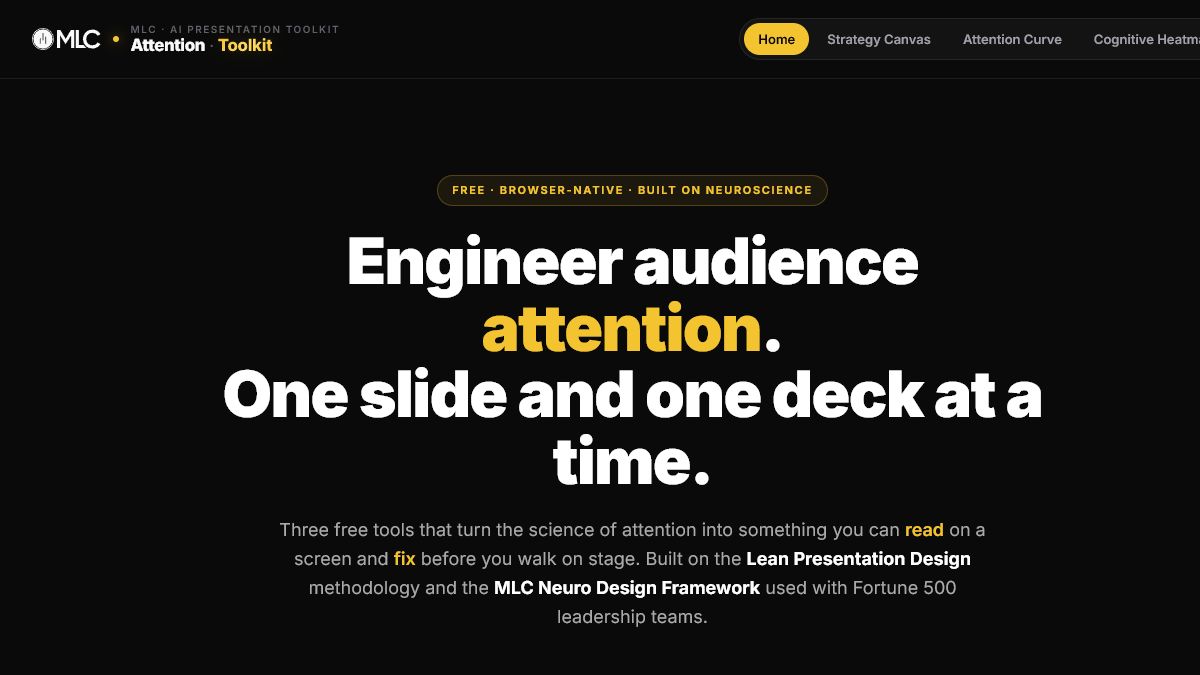
AI Presentation Toolkit
Structure your story, analyse audience attention and inspect slide-level cognitive focus.
Open the toolkit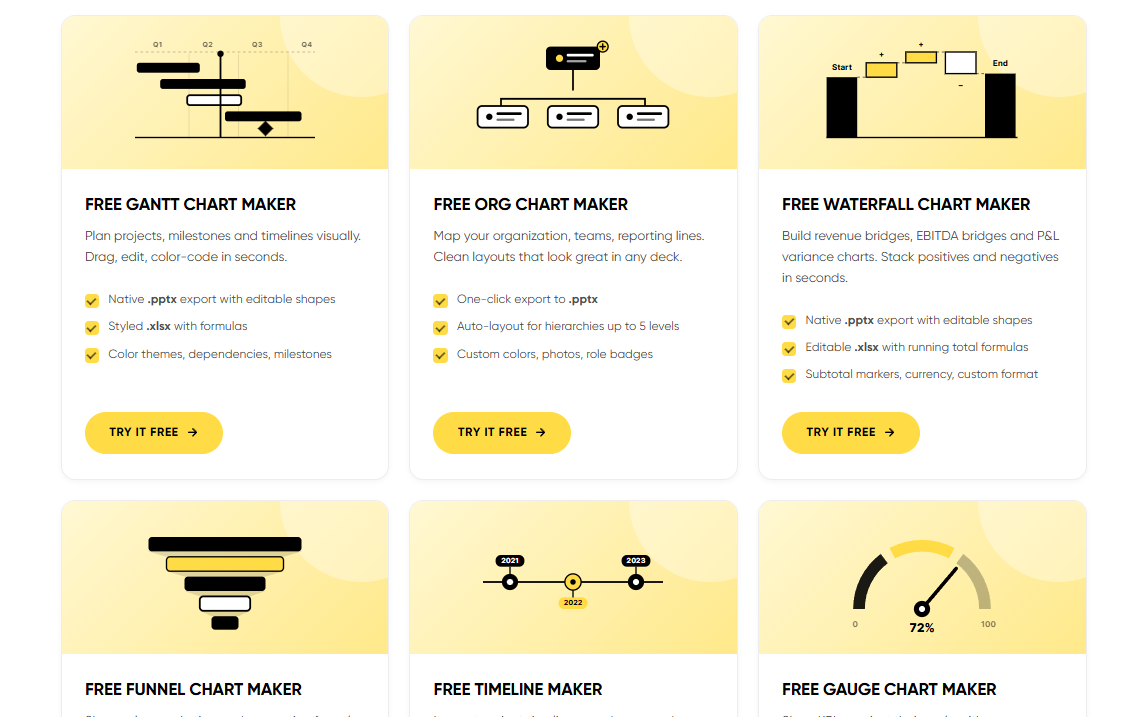
Free chart makers
Create Gantt, waterfall, funnel, timeline, gauge, matrix and organisation charts in your browser.
Choose a chart maker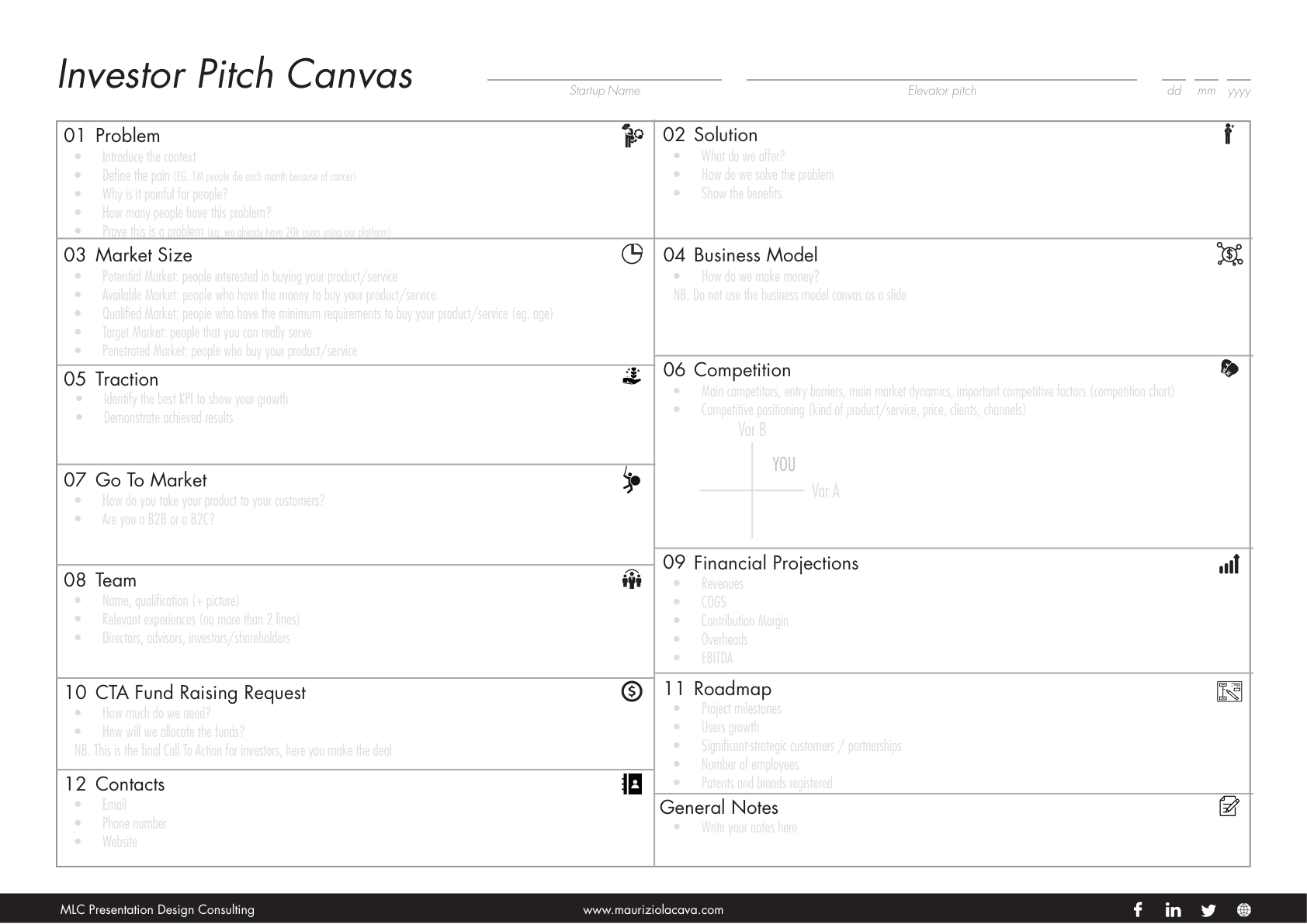
Brand Kit workspace
Keep colours and approved logo versions available to colleagues and organise shared resources.
Create your Brand KitDesigned for productive work
From search to slide in three steps
Browse without registering. Identification is requested only when you decide to copy, download or save an asset.
Search once
Use the universal search to scan multiple asset families, then narrow the results with contextual filters.
Choose confidently
Compare clear previews, formats, sources and styles without losing the main search experience.
Reuse later
Save useful assets in My Assets or share approved brand resources with your team through a Brand Kit.
Frequently asked questions
Free PowerPoint resources: what to know
MLC combines proprietary resources with selected external libraries. Source and licensing information remain visible where relevant.
Are the PowerPoint resources really free?
Yes. You can browse the portal freely and use the available download or copy options without paying. Some assets come from third-party libraries, so always check the licence and attribution guidance shown with the resource.
Which formats are available?
Depending on the asset, the portal provides SVG, PNG, JPG, editable PowerPoint files and PDF frameworks. SVG and PPTX are usually the best choices when you need to edit colours or shapes in PowerPoint.
Do I need an account to browse?
No. Browse and search first. You are asked to identify yourself only when you try to obtain or save an asset, so you can evaluate the portal before registering.
Can my team use the same logos and colours?
Yes. A Brand Kit can store approved colours and multiple logo versions, invite colleagues and assign view-only or editing permissions.
Can I save assets for another presentation?
Yes. Add resources to My Assets and organise personal or shared collections so you can return to the strongest options later.
Who created the portal?
The portal is developed by MLC Presentation Design Consulting, a team specialised in business presentations, PowerPoint productivity, training and presentation strategy.
Your next slide starts here
Spend less time searching. Build a clearer presentation.
Open the MLC Presentation Resources Portal and find the visual, template or framework your next business slide needs.
Explore all free resources